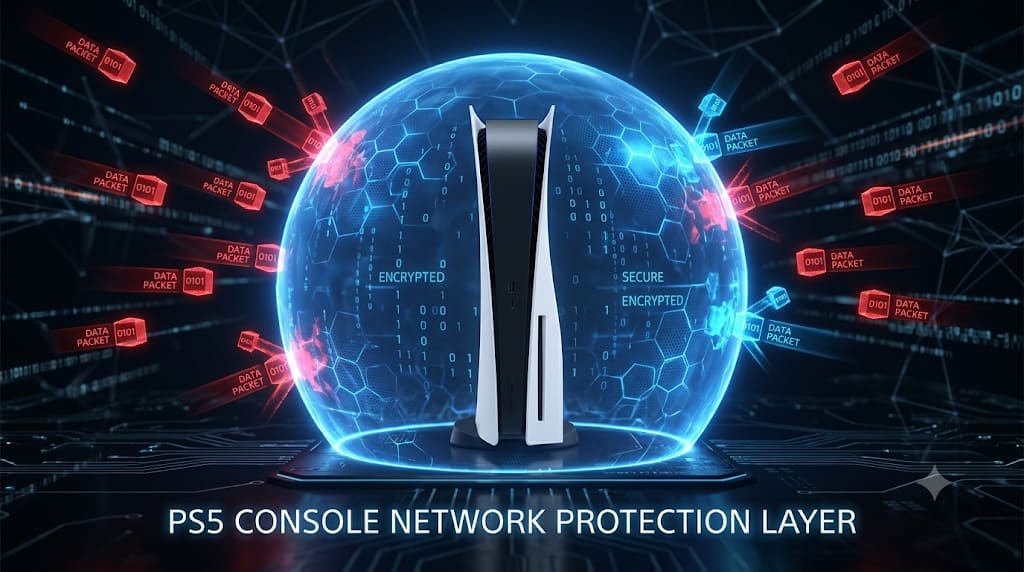
Worried about someone grabbing your IP address on PS5? Discover the truth behind PS5 IP grabbers and booter tools. This comprehensive guide details the real technical threats and common scams, and provides essential, step-by-step security practices to play safely. Learn to bulletproof your console.
The Complete PS5 IP Grabber & Booter Guide: Real Risks, False Claims, and Essential Console Security (2026)
Author: TraceMyIPOnline Security Team Last Updated: August 2026 Reviewer: Certified Ethical Hacker (CEH) & Senior PlayStation Network Engineer Educational Disclaimer: This guide is for educational and cybersecurity purposes only. We do not condone or support illegal tracking, DDoS attacks, or network abuse.
The fear of having your IP address grabbed or being booted offline is a real concern in the competitive online gaming community, specially on platforms like PlayStation 5 (PS5). Players often wonder if "PS5 IP grabber tools" actually exist or if someone can really find their location from their PlayStation Network (PSN) ID.
The fear of having your IP address grabbed or being booted offline is a real concern in the competitive online gaming community, specially on platforms like PlayStation 5 (PS5). Players often wonder if "PS5 IP grabber tools" actually exist or if someone can really find their location from their PlayStation Network (PSN) ID.
In 2026, the complexity of network security is greater than ever, especially with the growth of connected devices in Tier-1 countries like the USA, UK, and Germany. Despite Sony's efforts, vulnerabilities exist. This comprehensive guide pulls back the curtain to reveal the truth about PS5 IP grabbing, common misconceptions, and the exact steps you can take to make your console impenetrable.
1. What is a PS5 IP Grabber Tool?
A PS5 IP grabber tool is typically a software application or a web-based service designed to intercept and record the IP address of another player during an online gaming session or chat. It’s important to distinguish between real threats and prevalent scams.
The Two Methods: Packet Sniffing vs. IP Resolvers
- Packet Sniffing (Real-Time Pulling): This is the more immediate and accurate method. A hacker on the same local network, in an insecure Peer-to-Peer (P2P) game, or sharing a Party Chat can use professional tools like Wireshark to intercept the data packets traveling to and from your console. In 2026, many older or less optimized games still rely on P2P connections, which makes them vulnerable to this technique.
- IP Resolvers (Database Search): This is the method most often associated with "one-click" websites. These resolvers do not actively grab your IP in real-time. Instead, they operate on massive, often outdated, databases of previously logged IP-Gamertag associations. A hacker enters your PSN ID, and the resolver searches for a previous record. In Tier-1 countries with dynamic IP allocation (like the US), this data is frequently incorrect.
Busting the Myth of the "One-Click" PS5 IP Grabber
The idea that there is a legitimate "one-click" tool to instantly grab any PS5 player's current, true IP address from just their PSN ID is largely a myth. Real network interception requires sophisticated technical access or a vulnerability in specific game code. Most websites claiming to be "PS5 IP grabbers" are scams designed to capture your information or infect your device with malware.
2. Understanding the "Booter" Threat: What Happens When Someone Has Your IP?
A "Booter" or "Stresser" is a tool that uses the grabbed IP address to launch a Distributed Denial of Service (DDoS) attack. The attack floods your home router with an enormous amount of junk traffic, overwhelming your bandwidth and forcing your console offline, along with every other device in your household. In severe cases, it can cause your ISP to temporarily disable your entire connection.
3. PS5 Network Architecture: How PlayStation Tries to Protect You
Sony has made significant strides in PS5 network security since the PSN breach of 2011. Modern PlayStation architecture heavily relies on dedicated servers for matchmaking and core game traffic. In this setup, other players only see the IP address of Sony's central server, not your home IP.
The Remaining Vulnerability: P2P Traps
The real danger lies when a game defaults to or uses a legacy Peer-to-Peer (P2P) model. For example, some voice communications or older games might establish direct connections. In a P2P party chat with an untrusted host, your console must share its IP directly to maintain the voice link, creating a direct pathway for an IP puller.
4. Detailed Step-by-Step Security Masterclass: Bulletproof Your PS5
Understanding the threats is only half the battle. Now, you must secure your connection.
Step 1: Setting up a PS5 VPN (The Golden Standard)
Running your PS5 traffic through a premium Virtual Private Network is the ultimate defense. An IP grabber will only see the IP of the VPN server. DDoS attacks will hit the VPN's enterprise firewalls, not your home network.
- Method A: Router-Level VPN (Best for Consoles): Configure your premium VPN account directly into a compatible router. All devices connected to that router, including your PS5, are protected network-wide.
- Method B: PC Connection Sharing: If you cannot configure your router, install a VPN on your PC. Connect your PS5 to your PC via Ethernet and configure connection sharing. This routes all PS5 data through your secure PC VPN.
Step 2: Configuring Custom DNS on PS5 (Prevent DNS Leaks)
To ensure your console never falls back to your ISP’s potentially trackable DNS servers (especially relevant with US ISP data laws), configure your console to use secure, privacy-respecting DNS.
- On your PS5, go to Settings > Network > Settings > Set Up Internet Connection.
- Press the Options button on your connection and select Advanced Settings.
- Change DNS Settings to Manual.
- Enter secure DNS values. We recommend Cloudflare (Primary: 1.1.1.1 | Secondary: 1.0.0.1) or Google (Primary: 8.8.8.8 | Secondary: 8.8.4.4).
Step 3: Mastering Privacy Settings (Behavioral Security)
- Messages & Friend Requests: Set your messages and friend requests to "Friends Only" or "No One" if you are a competitive player. Malicious users can embed tracking scripts in malicious links sent via message.
- Avoid Untrusted Party Chats: Never join a PSN Party Chat hosted by a random or untrusted user. This is the most common P2P trap used to force a direct IP leak. Use Dedicated Server-based options like Discord for voice communication.
5. Frequently Asked Questions (FAQ)
Q: Can someone get my exact street address from my PS5 IP? A: No. Geolocation data from an IP address is generally accurate only to the city, state, or zip code level. Your Internet Service Provider (ISP) is the only entity with the legal matching record between your IP and physical address, which requires a police warrant to access. In highly regulated Tier-1 countries like Germany, data privacy laws (GDPR) make accessing this data even harder.
Q: Is it illegal to pull an IP on PS5? A: Packet sniffing on your own network traffic can be technically legal, but using that grabbed IP to launch a DDoS attack, dox someone, or harass another player is a severe cybercrime under the US Computer Fraud and Abuse Act and UK law.
Q: Will fixing my DNS prevent DDoS attacks? A: Indirectly, yes. While DNS doesn't block DDoS, using a private DNS service prevents attackers from seeing which domains you are visiting, a prerequisite for some sophisticated network tracking techniques. The real protection comes from combining it with a VPN and Kill Switch (which you can learn about in our detailed guide on fixing VPN Silent Failures).
Conclusion The threat of having your network compromised on PS5 is a direct consequence of online interactions, especially in competitive scenarios. While legitimate one-click IP resolvers are rare, real threats from packet sniffing and DDoS booters persist in 2026. By understanding the underlying network architecture, avoiding P2P traps, implementing a router-level VPN, and securing your custom DNS, you take complete control of your privacy. Play smart, play secure, and stay invisible on the network.